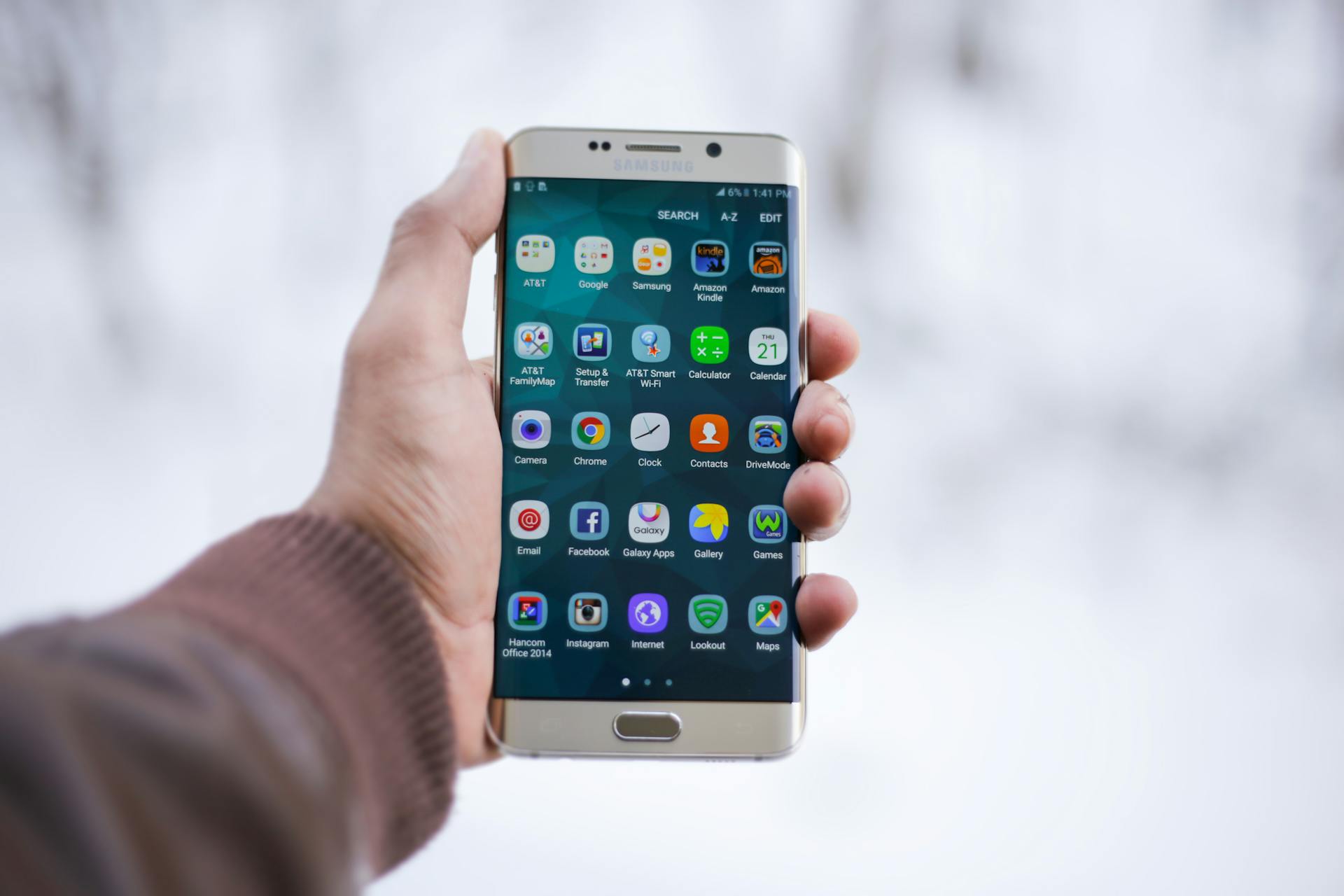
Most people use their phones every day, but only a small number actually use them to their full potential. Modern smartphones are packed with hidden features and shortcuts that can save time, improve productivity, and make your life easier — but many users never discover them.
Here are 10 simple but powerful phone tricks that most people don’t know about.
- Double Tap to Wake and Sleep Screen
On many Android phones and even some iPhones, you can simply double-tap the screen to wake it up or lock it.
This saves you from constantly pressing the power button and makes your phone feel faster to use.
- Use Your Phone as a Scanner
Instead of downloading a separate scanning app, you can scan documents directly using your phone’s camera or built-in tools like Notes or Google Drive.
It’s perfect for school assignments, receipts, or official documents.
- Hidden Screen Recording Feature
Most smartphones already have a screen recording option built into the quick settings panel.
You can use it to record tutorials, save important moments, or share gameplay without installing extra apps.
- Quickly Switch Between Apps
You don’t always need to go back to the home screen. Just swipe left or right on the navigation bar (or use gesture controls) to switch between recently used apps instantly.
This makes multitasking much smoother.
- Emergency Battery Saver Mode
If your battery is low, turn on Battery Saver Mode to extend usage time.
It reduces background activity, lowers brightness, and helps your phone last longer in critical situations.
- Find Your Phone Faster with Voice Command
If you misplace your phone, you can use voice assistants like Google Assistant or Siri to locate it by calling it out.
Just say something like “Find my phone” or use another connected device.
- Hidden Keyboard Shortcuts
Your smartphone keyboard has hidden shortcuts:
- Long-press space bar to move cursor easily
- Double-tap space bar to add a full stop
- Swipe for faster typing (on supported keyboards)
These tricks can significantly speed up typing.
- Use Split Screen Mode
You can run two apps at the same time using split-screen mode.
For example, you can watch a video while chatting or take notes while browsing.
It’s a great multitasking feature most people ignore.
- Silence Notifications Instantly
Instead of going into settings, you can quickly silence notifications by pressing the volume button and selecting silent or vibrate mode.
This is useful in meetings, classes, or quiet environments.
- Hidden Camera Features
Most smartphone cameras have hidden tools like:
- Portrait mode for blurred background photos
- Night mode for low-light pictures
- Pro mode for manual control
Exploring your camera app can dramatically improve your photo quality.
Final Thoughts
Your smartphone is more powerful than you think. Many features stay hidden simply because people don’t explore their settings.
By learning and using these simple tricks, you can save time, improve your productivity, and get much more value out of your phone every day.
Technology becomes more useful when you know how to use it properly — and these small tricks are a great place to start.
Leave a Reply
You must be logged in to post a comment.